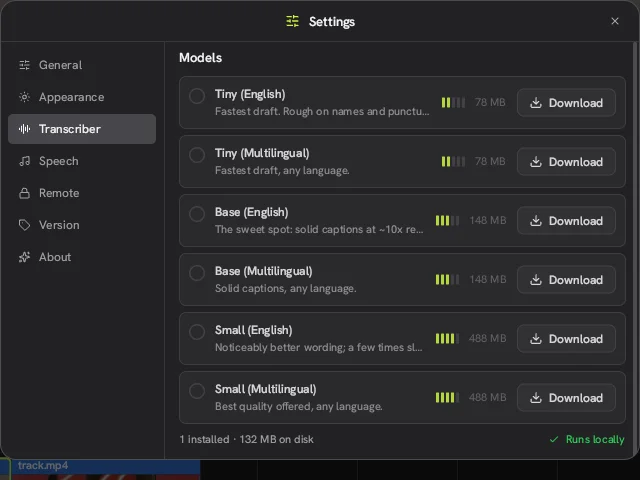
Auto captions
The Concat video editor transcribes speech with Whisper on your own computer. Pick a model from 78 MB to 488 MB, in English or multilingual. You can also type a script and let Concat time the captions.
Auto captions in ConcatConcat is a free, open-source video editor for Windows, macOS, Linux, Android and iOS that runs entirely on your device. This independent guide to the Concat video editor shows what it can do, how to install it and how it compares with CapCut.
Screenshot taken by this site from the Concat video editor 0.2.7 for Linux. Sample footage from Pexels.
Captions, voices and cutouts are made locally. Your footage never uploads.
Concat is free with no paid tier, so nothing gets stamped on your export.
Install the Concat app and start a project. No sign-in and no subscription.
AGPL-3.0 code on GitHub. Anyone can read it, build it or fork it.
Coming from CapCut
Media on the left, preview in the middle, settings for whatever you select on the right, timeline at the bottom.
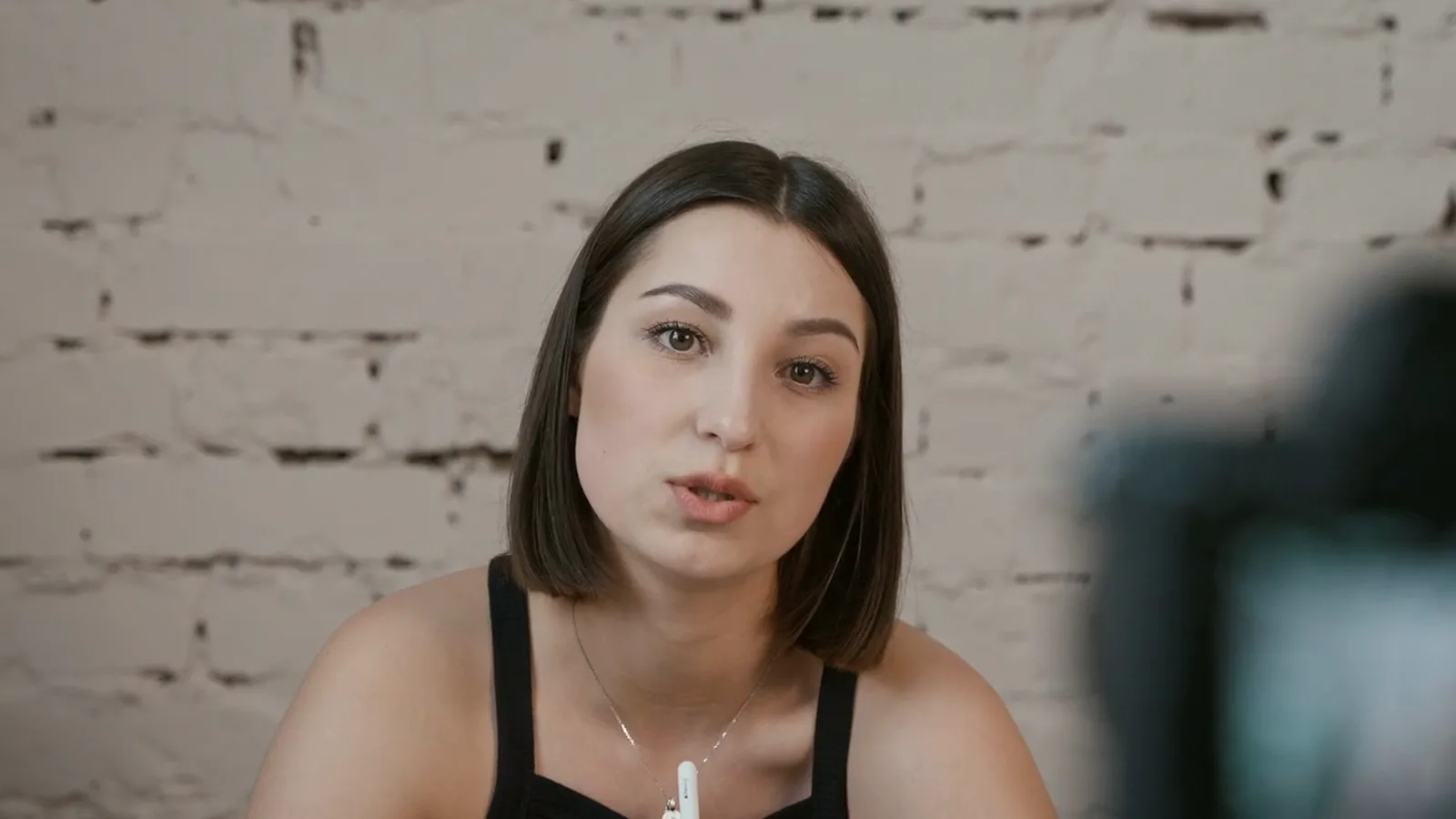
Before & after
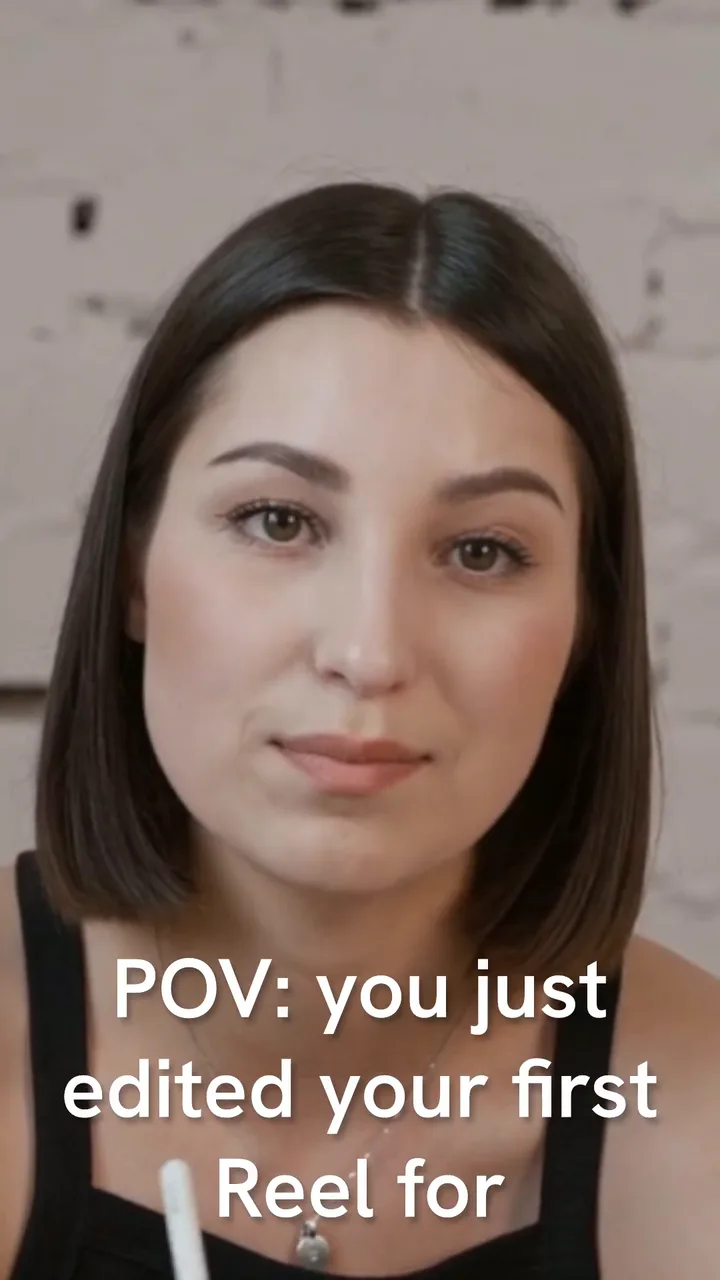
Drag the divider. Left is the raw footage. Right is a frame from the video Concat exported.
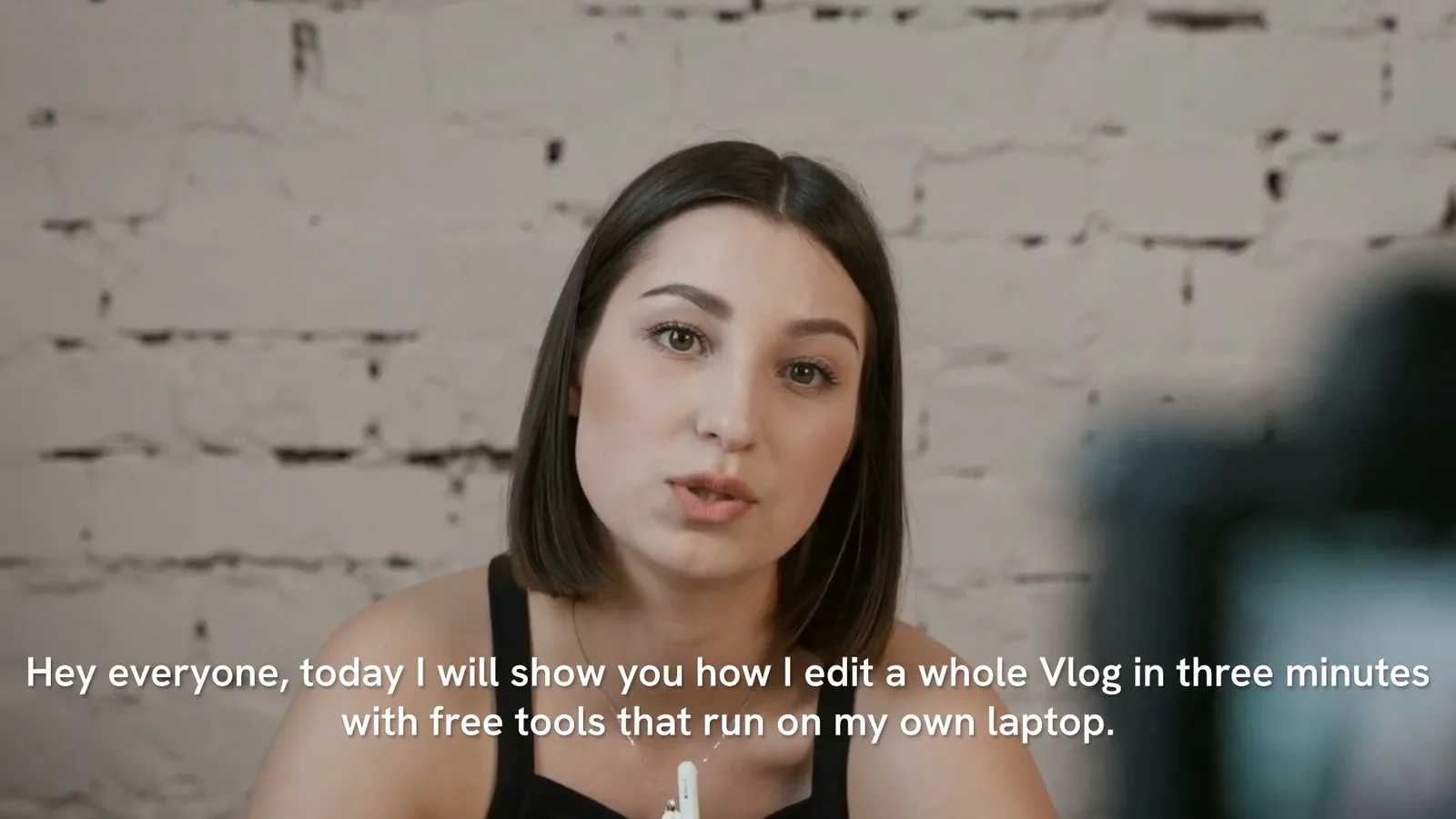
What we did
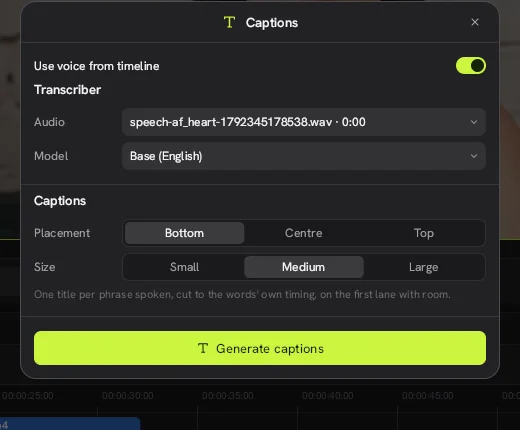
Clicked the captions button, turned on “Use voice from timeline” and picked the Base (English) model.
Result
Whisper ran on the CPU and placed timed captions on their own track in about 20 seconds.

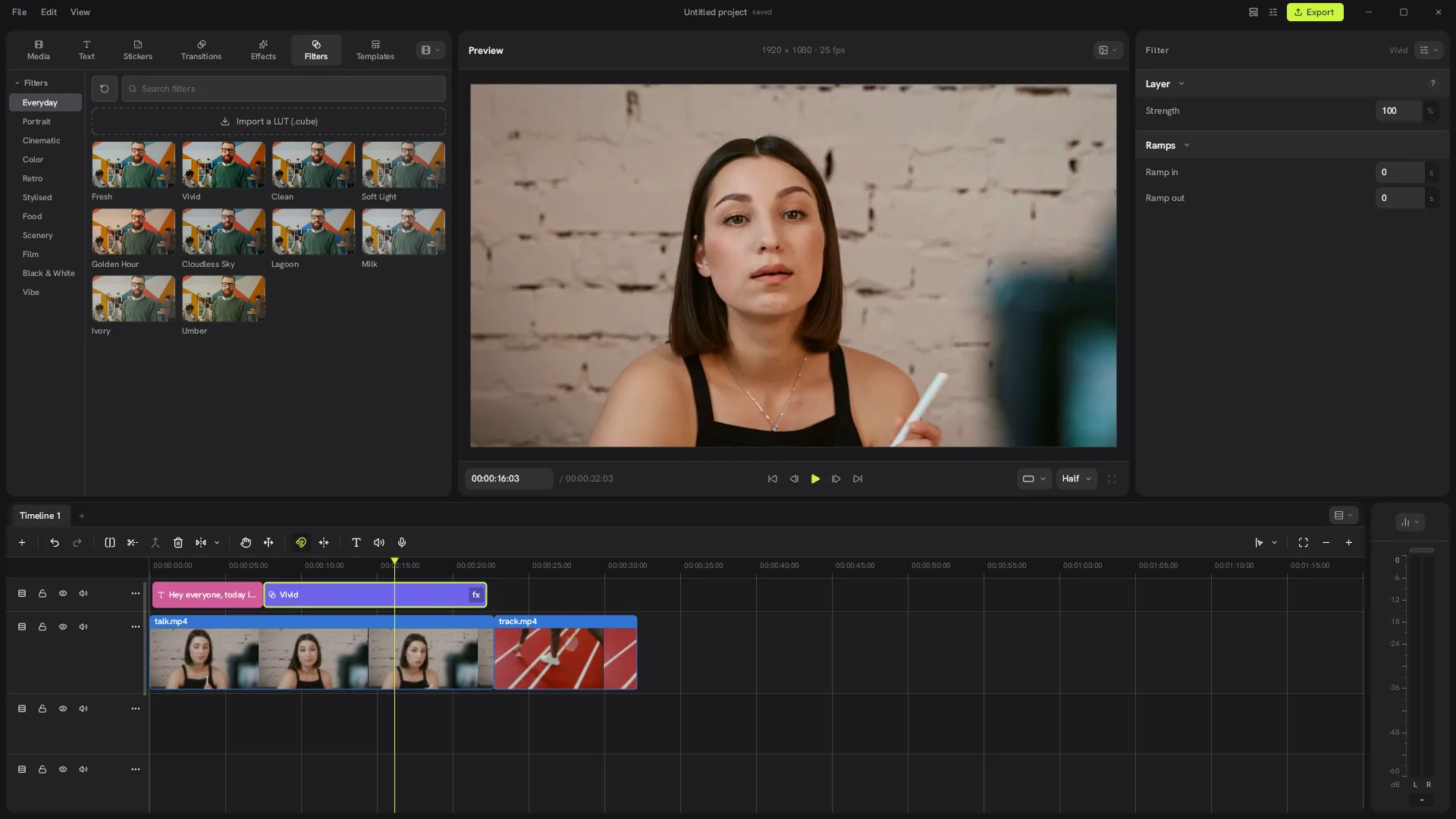
 Filter · Vivid
 What we did
Dragged Vivid from Filters onto a lane above the clip and stretched it over the shot.
Result
Warmer skin and more contrast. Strength and ramps are adjustable, and you can import your own .cube LUT.

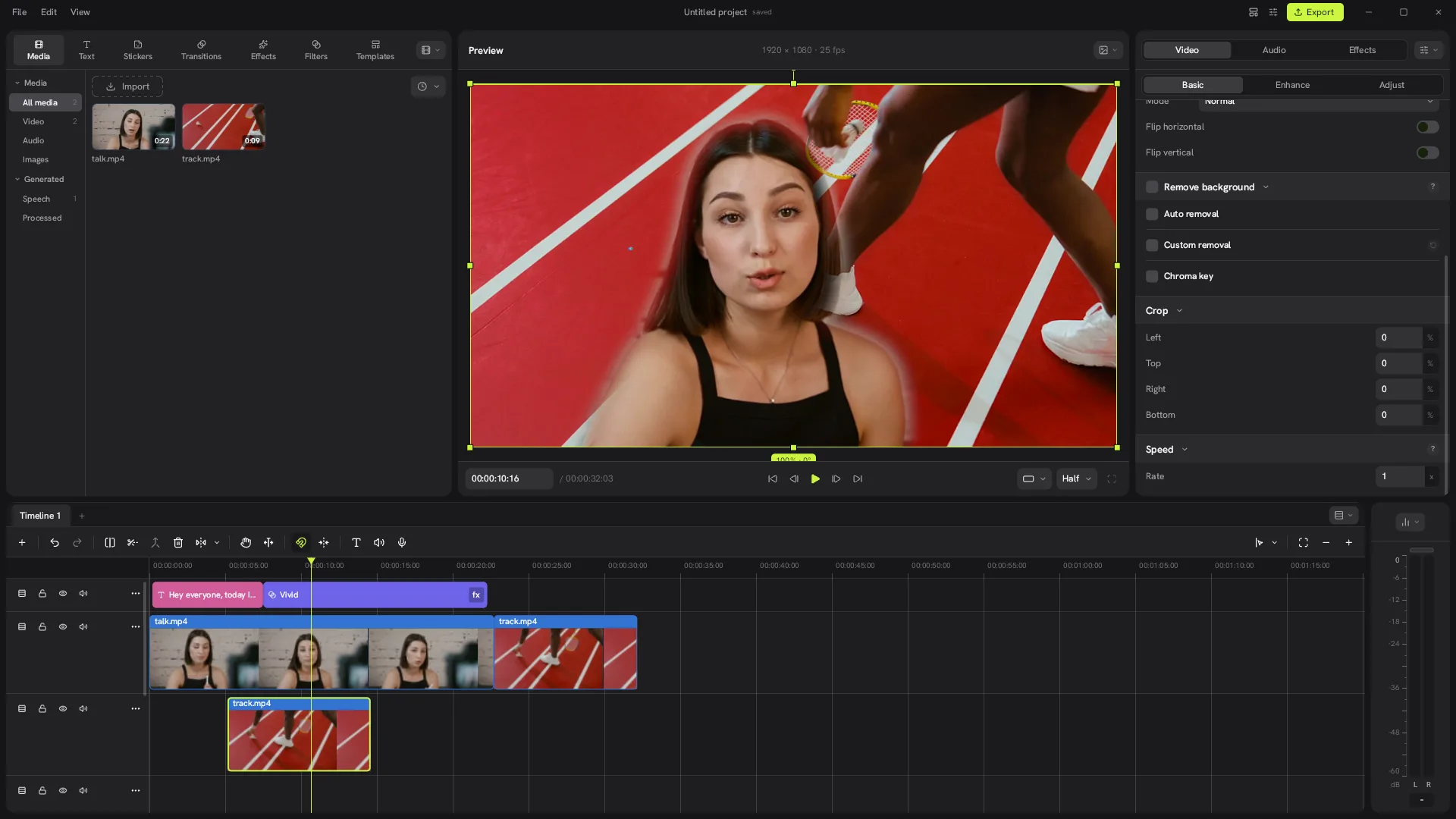
 Auto removal · no green screen
 What we did
Ticked Remove background on the clip and put a second clip on the lane underneath.
Result
A clean outline of the speaker. Edges stay a little soft. Custom removal and Chroma key are there for more control.
What we did
Typed a 120-character script into Text to speech and chose the Kokoro model.
Result
A 7-second voiceover landed on the timeline. We then captioned the clip from that voice.
Screen recordings
Five short recordings from Concat 0.2.7 on our test machine. Waiting time is sped up and every step is real. Turn the sound on for the voice clips.
How it works
Features
The Concat video editor transcribes speech with Whisper on your own computer. Pick a model from 78 MB to 488 MB, in English or multilingual. You can also type a script and let Concat time the captions.
Auto captions in Concat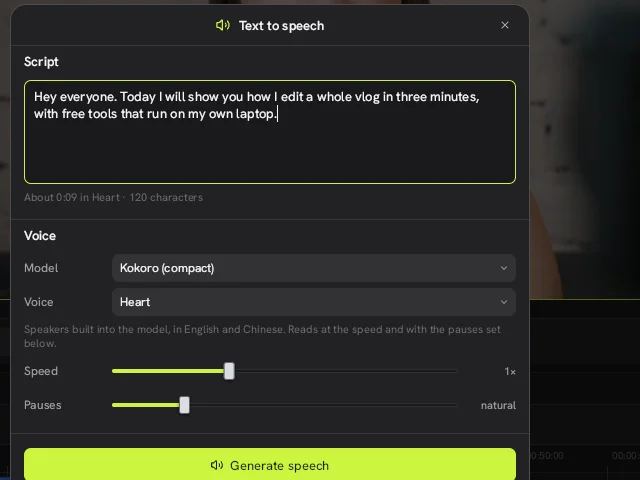
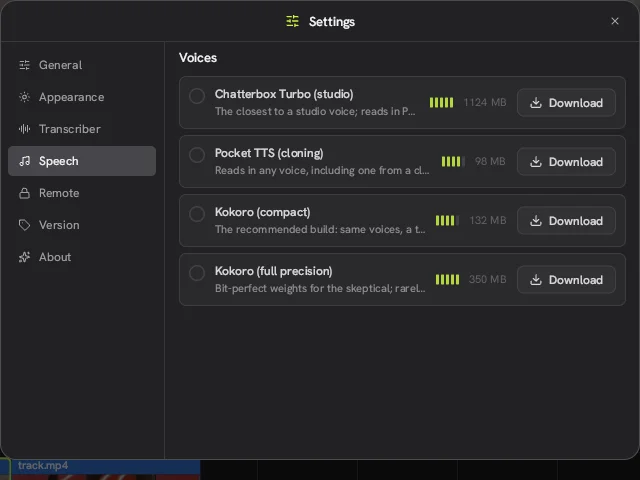
Type a script, pick a voice and the audio lands on your timeline. Kokoro voices read English and Chinese. Pocket TTS can read in a voice cloned from a short recording.
Text to speech in Concat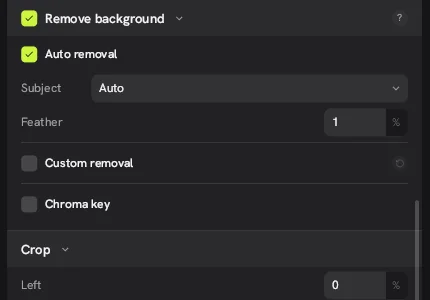
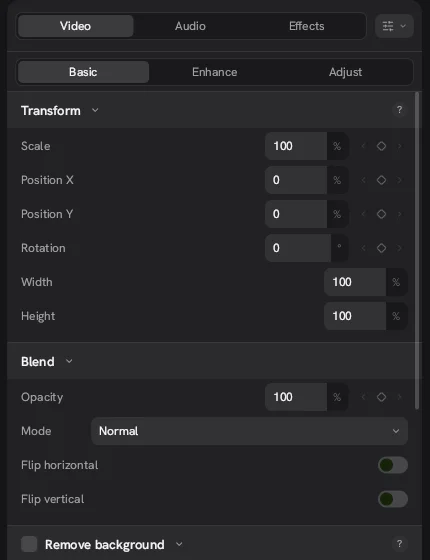
Cut a person out without a green screen, paint your own mask or key out a color. Every transform value in the Concat video editor has a keyframe button, so you can animate scale, position, rotation and opacity.
Background removal in Concat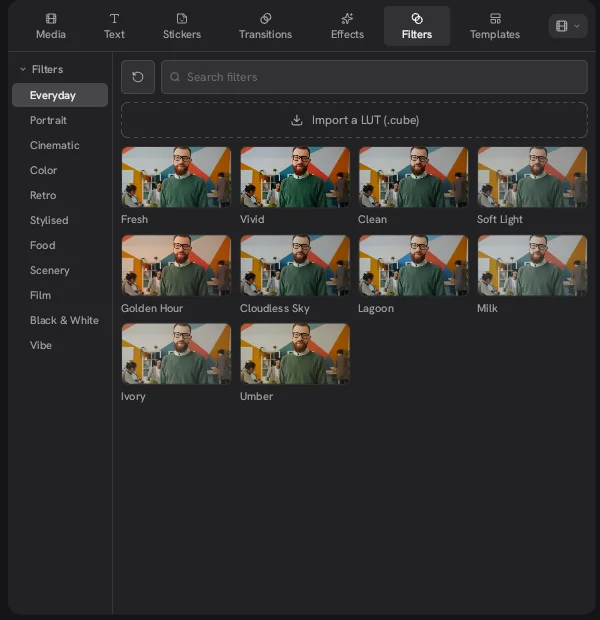
Eleven filter groups, plus your own .cube files.
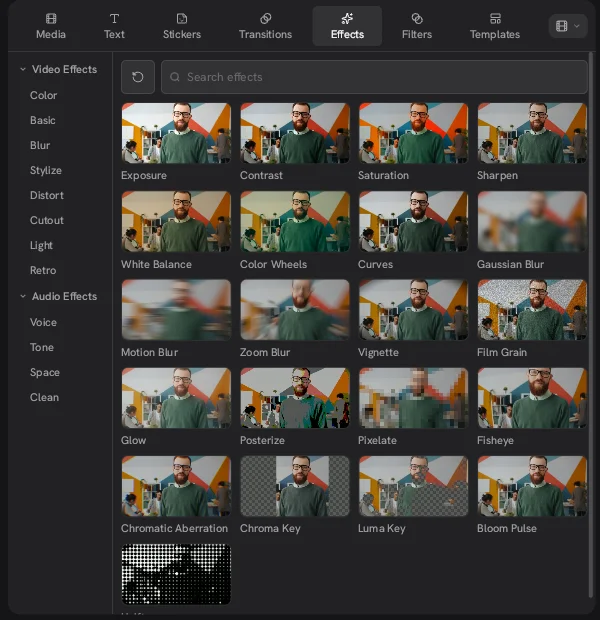
Color, blur, glow, grain, keys and voice effects.
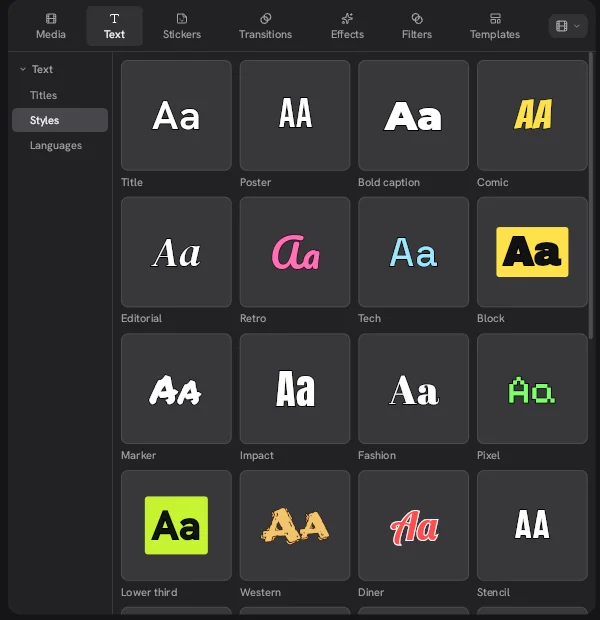
Poster, bold caption, lower third, retro and more.
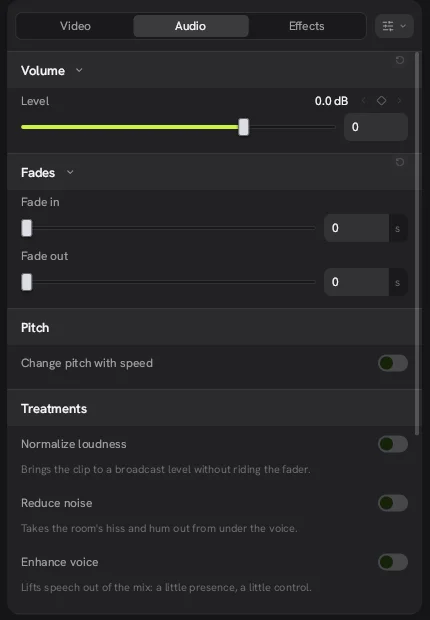
Reduce noise, enhance voice and level loudness.
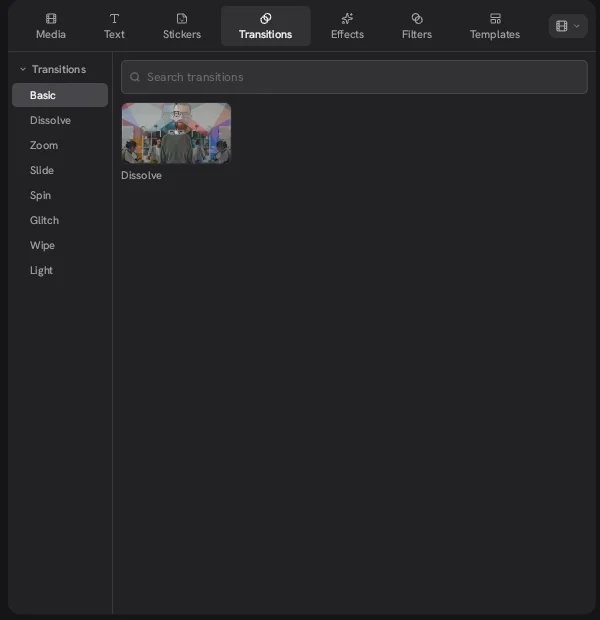
Dissolve, zoom, slide, spin, glitch, wipe and light.
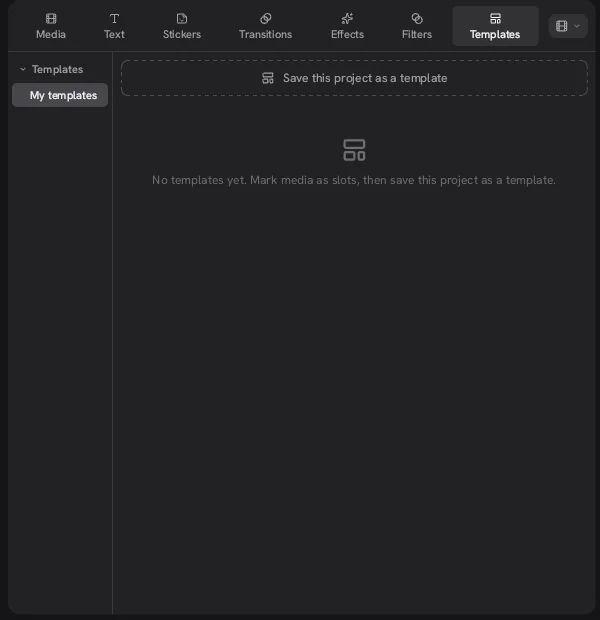
Save a project with clips marked as slots. No built-in library yet.
Guides by use case
Concat vs CapCut
The Concat video editor wins on price, privacy and limits. CapCut is more mature and has a huge template and asset library.
| Feature | Concat 0.2.7 | CapCut |
|---|---|---|
| Price | Free, no paid tier | Free plan. Pro about $19.99 a month in the US |
| Watermark | Never | Can appear when Pro assets are in the project |
| Export resolution | Up to 4K 60 fps, 10-bit | 4K and 60 fps locked without Pro on desktop |
| AI captions and cutouts | No limits, run locally | Free access varies by tool and account; no published quota |
| Account | Not needed | Sign-in may be required on desktop; required to export on web |
| Template library | Only templates you save | Large built-in library |
| Platforms | Windows, macOS, Linux, Android, iOS by sideload | Windows, macOS, web, iOS and Android app stores |
| Maturity | Beta, public since August 2026 | Established and widely used |
| Source code | Open, AGPL-3.0 | Closed |
Concat column tested by us on version 0.2.7. CapCut details come from public pricing reviews checked in October 2026 and change often. CapCut is a trademark of its owner.
Full Concat vs CapCut comparisonPulled from the Concat GitHub repository on October 18, 2026. This page refreshes the numbers on every build. See every release.
Download
Concat 0.2.7 came out on October 13, 2026. Every button goes to the official GitHub release. This site does not host any files.
x86_64. Setup .exe or .msi. ARM builds are paused.
Concat-0.2.7-windows-x86_64-setup.exe · 81 MB
Download How to install on WindowsApple silicon and Intel. .dmg
Concat-0.2.7-macos-arm64.dmg · 58 MB
Download How to install on macOSx86_64 and ARM. .deb, .rpm, .AppImage and an Arch package. A community Flatpak exists on Flatpark.
Concat-0.2.7-x86_64.AppImage · 125 MB
Download How to install on Linuxarm64 phones and tablets. .apk
Concat-0.2.7-android-arm64.apk · 69 MB
Download How to install on Androidarm64. .ipa, sideload only. Not on the App Store.
Concat-0.2.7-ios-arm64.ipa · 67 MB
Download How to install on iPhone and iPadFAQ
Found a bug in Concat?
We only write guides. Report bugs to the developers on GitHub Issues. For questions about this site, use the contact page.
Concat is a free, open-source video editor for Windows, macOS, Linux, Android and iOS that runs entirely on your device. It is written in Rust by Jareer (jub0t) and community contributors and went public on GitHub in August 2026.
No. concatvideoeditor.com is an independent guide written by users. The official Concat project lives at github.com/jub0t/Concat and its own site is concatenate.pages.dev. Every download link here points to the official GitHub releases.
Yes. The Concat video editor has no paid plan, no watermark and no account. It is funded by sponsors and its code is licensed under AGPL-3.0.
Yes. The Concat app for Android is an .apk you install yourself. The iPhone and iPad build is an .ipa that has to be sideloaded, because Concat is not on the App Store or Google Play.
The editor is called Concat, short for concatenate, which is also the name of its official website. People often type “Concut” because of CapCut. They mean the same Concat video editor.
Yes, after the AI models are downloaded. Captions, voices and background removal run on your computer and your footage is never uploaded.
The builds are not code-signed yet. On Windows choose More info and then Run anyway. On macOS run one Terminal command to clear the quarantine flag. Our download pages walk through both.
Not in version 0.2.7. The Templates tab lets you save your own project as a template with clips marked as slots, then reuse it.
By concatvideoeditor.com · Tested on Concat 0.2.7 for Linux · Updated October 18, 2026
| What it is | Concat is a free, open-source video editor for Windows, macOS, Linux, Android and iOS that runs entirely on your device. |
|---|---|
| Not to be confused with | This site, which is an independent guide. Concat is not a CapCut or ByteDance product. |
| Developer | Jareer (jub0t) and contributors |
| License | AGPL-3.0-or-later |
| Latest version | 0.2.7, released October 13, 2026 (beta) |
| Platforms | Windows, macOS, Linux, Android, iOS (sideload) |
| Price | Free. No watermark, no account, no paywall. |
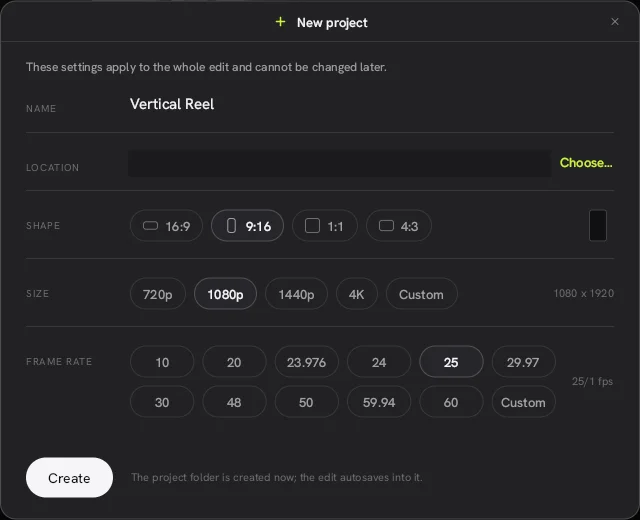
| Project shapes | 16:9, 9:16, 1:1, 4:3 from 720p to 4K |
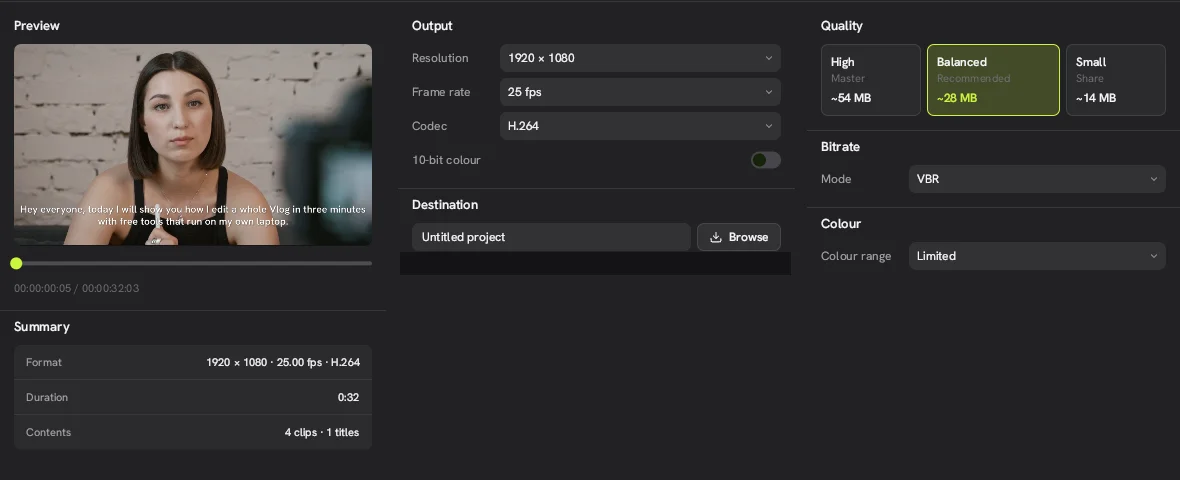
| Export | H.264, HEVC, AV1 up to 4K 60 fps, 10-bit |
| AI features | Whisper captions, Kokoro and Pocket TTS voices, voice cloning, background removal. All run locally |
| Official source | github.com/jub0t/Concat |
Free and open source. Official builds from GitHub.
Download Concat free