Concat video editor features
What the Concat video editor can do, one feature per page. Each page shows real screenshots from Concat 0.2.7, the steps we used and the limits we ran into.
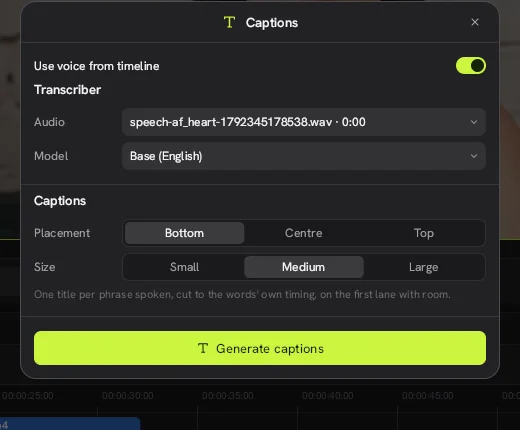
Auto Captions
How auto captions work in the free Concat: local Whisper models from 78 to 488 MB, caption placement and what we saw in testing.
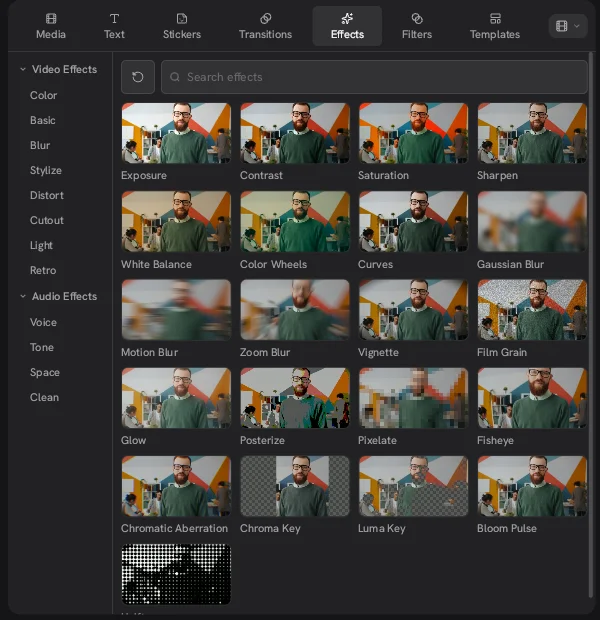
Effects and Transitions
What video effects, audio effects and transitions the free Concat includes, how they are grouped and what we could not test in 0.2.7.
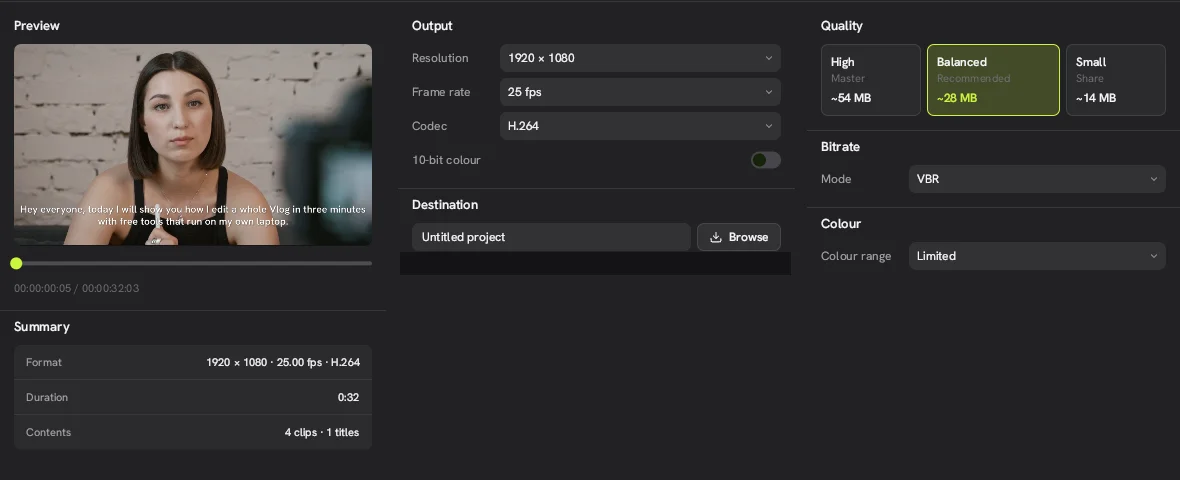
Exporting Video from the Concat Video Editor
Export settings in the free Concat: H.264, HEVC and AV1 up to 4K 60 with 10-bit color, quality presets, export speed and a stall to avoid.
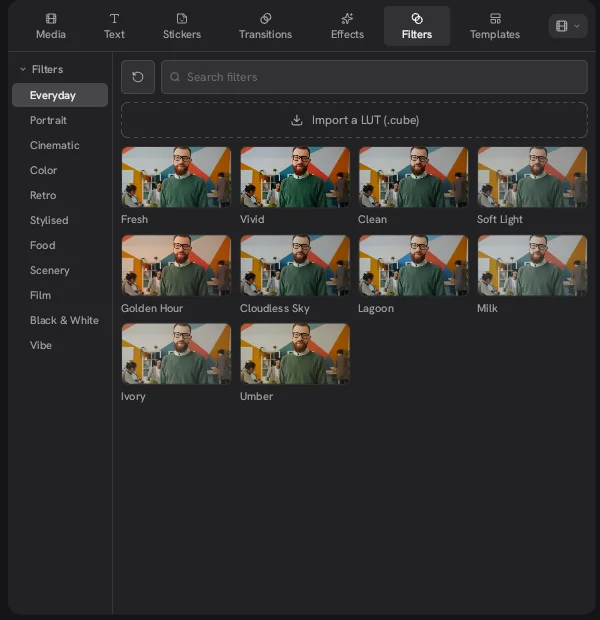
Filters and LUTs
Filters in the free Concat: 11 preset groups, a strength setting, ramp in and out timing and import of your own .cube LUT files.
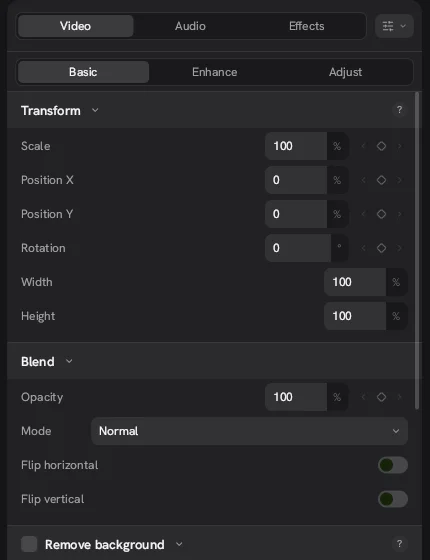
Keyframe Animation
How keyframes work in the free Concat: which fields have a keyframe diamond, the curve editor and what you can't animate yet.

Remove a Video Background
Remove a video background in the free Concat with a 15 MB local model, a painted mask or a chroma key. No green screen and no watermark.
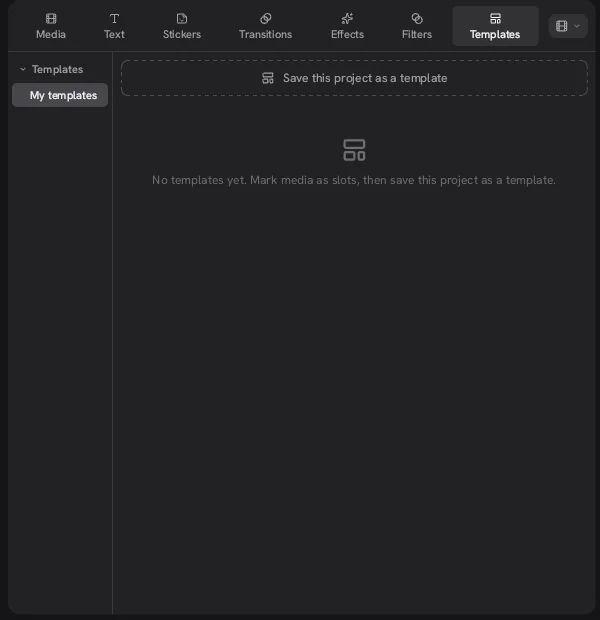
Templates
Concat has no built-in template library in 0.2.7. Here is how its own templates work: mark clips as slots and save the project.
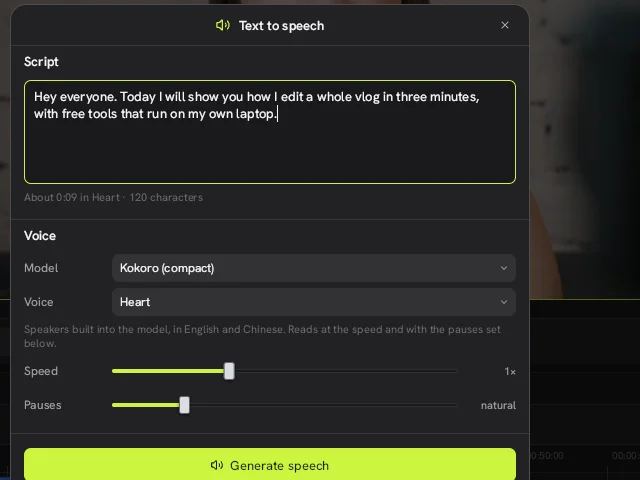
Text to Speech and Voice Cloning
Text to speech in the free Concat: Kokoro, Pocket TTS voice cloning and Chatterbox Turbo running offline, plus a bug we hit in 0.2.7.
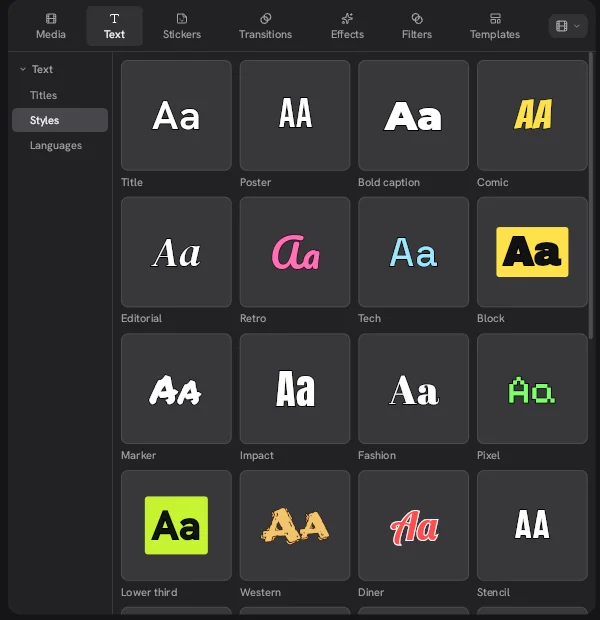
Titles and Text
Add titles and text in the free Concat with presets like Bold caption and Lower third, then change font, stroke, shadow and background.
Voice Cleanup
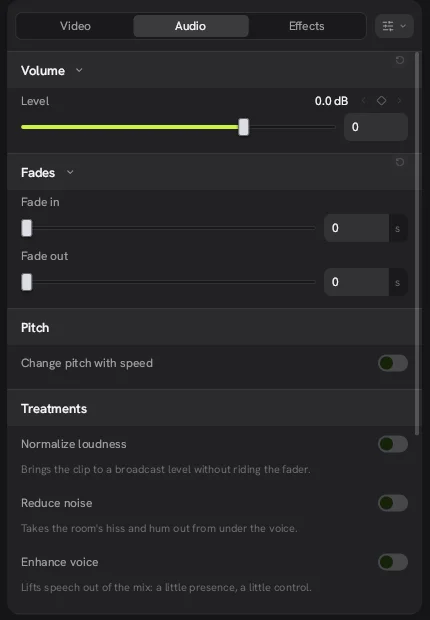
Clean up speech in the free Concat with Normalize loudness, Reduce noise and Enhance voice. What each switch does and where it falls short.