The Concat video editor puts all text work in its Text tab. You start from a preset style such as Bold caption, Lower third or Comic and the text lands on the timeline as a title clip. The README lists fonts, stroke, shadow and a background plate as the settings you can change from there.
How do you add titles in the Concat video editor?
- Open the Text tab in the top left panel.
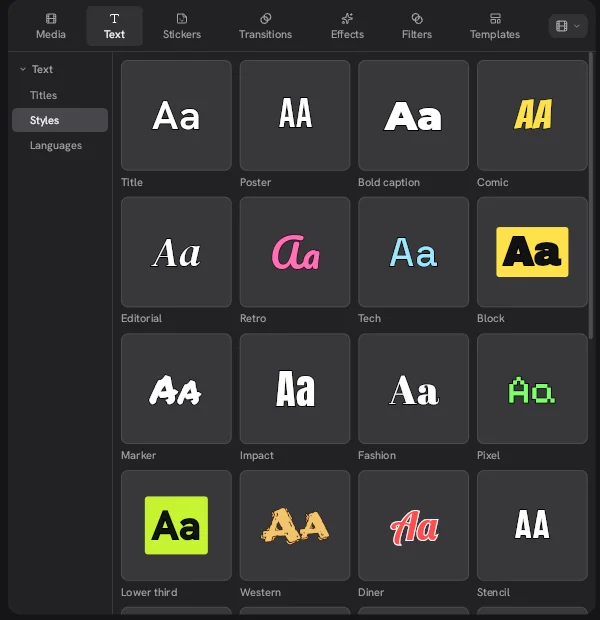
- Choose Styles on the left to see the preset grid.
- Pick a style and add it to the timeline. It shows up as a title clip on a track above your video.
- Select the clip and replace the sample text with your own.
- Change the font, stroke, shadow or background plate in the inspector.
- Trim the clip to set how long the text stays on screen.
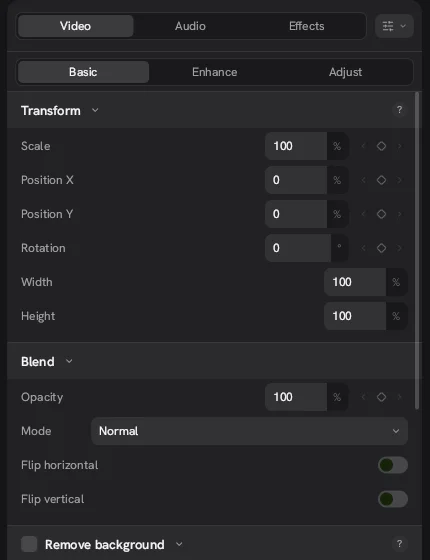
If you want the title to move, use the keyframe diamonds on Position, Scale, Rotation or Opacity.
What text styles does the Concat video editor include?
The Styles grid in 0.2.7 opens with these presets:
| Title | Poster | Bold caption | Comic |
| Editorial | Retro | Tech | Block |
| Marker | Impact | Fashion | Pixel |
| Lower third | Western | Diner | Stencil |
They cover the usual jobs. Bold caption and Impact suit short vertical clips with big words on screen. Lower third is for names and job titles in interviews. Editorial and Fashion lean toward a magazine look. Treat each one as a starting point and make it yours with your own font and colors. Because the Concat app is free and adds no watermark, nothing on screen competes with your text in the final video.
Can you use titles as captions or subtitles?
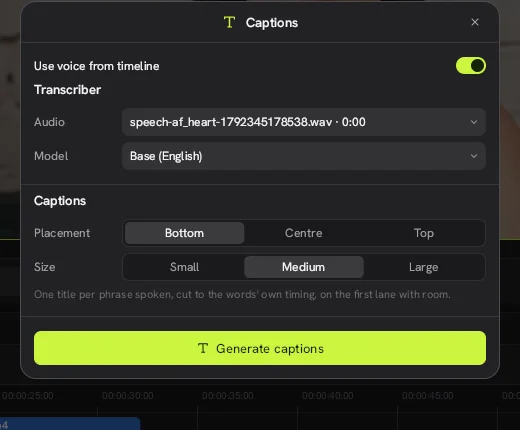
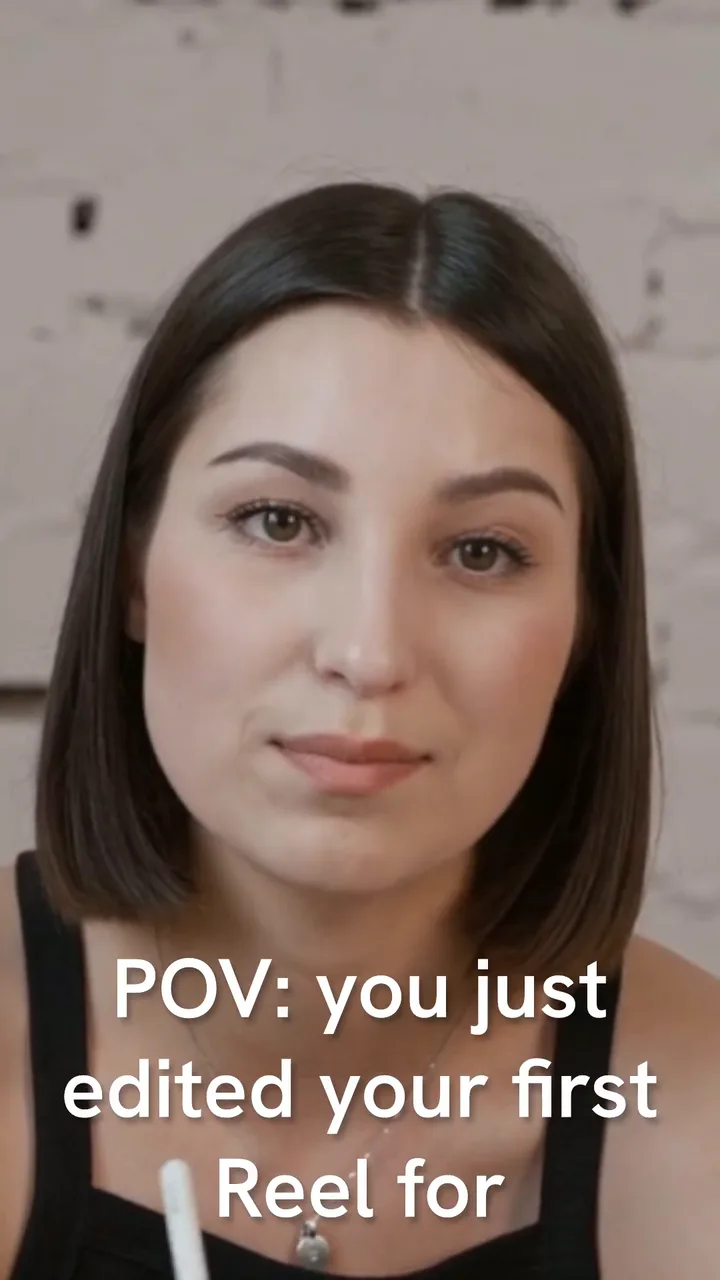
Yes. The auto captions tool does exactly that. It writes one title clip per spoken phrase, placed at the bottom, center or top of the frame in a small, medium or large size. You can then edit any caption like a normal title. For a reel like the one above, the Concat video editor's large size reads well on a phone.
Does Concat have stickers or shapes for text?
The Stickers tab offers basic shapes: square, circle, triangle, parallelogram, trapezoid, line and arrow. Put a shape on a track under a title to build a simple banner or an arrow that points at something. For a CapCut style comment bubble you build it yourself from a shape and a title, since the Stickers tab only holds basic shapes.
What are the limits?
- A short preset list. The Styles grid is a fraction of what you find in commercial apps, so plan to style text yourself.
- Motion is up to you. The presets we saw are static looks. Movement comes from keyframes.
- We did not explore the Languages group. The Text tab has one, but we have not tested what it offers.
- Check size on a real screen. A title that looks fine on a desktop monitor can be hard to read on a phone. Preview a 9:16 project at phone size before you export.