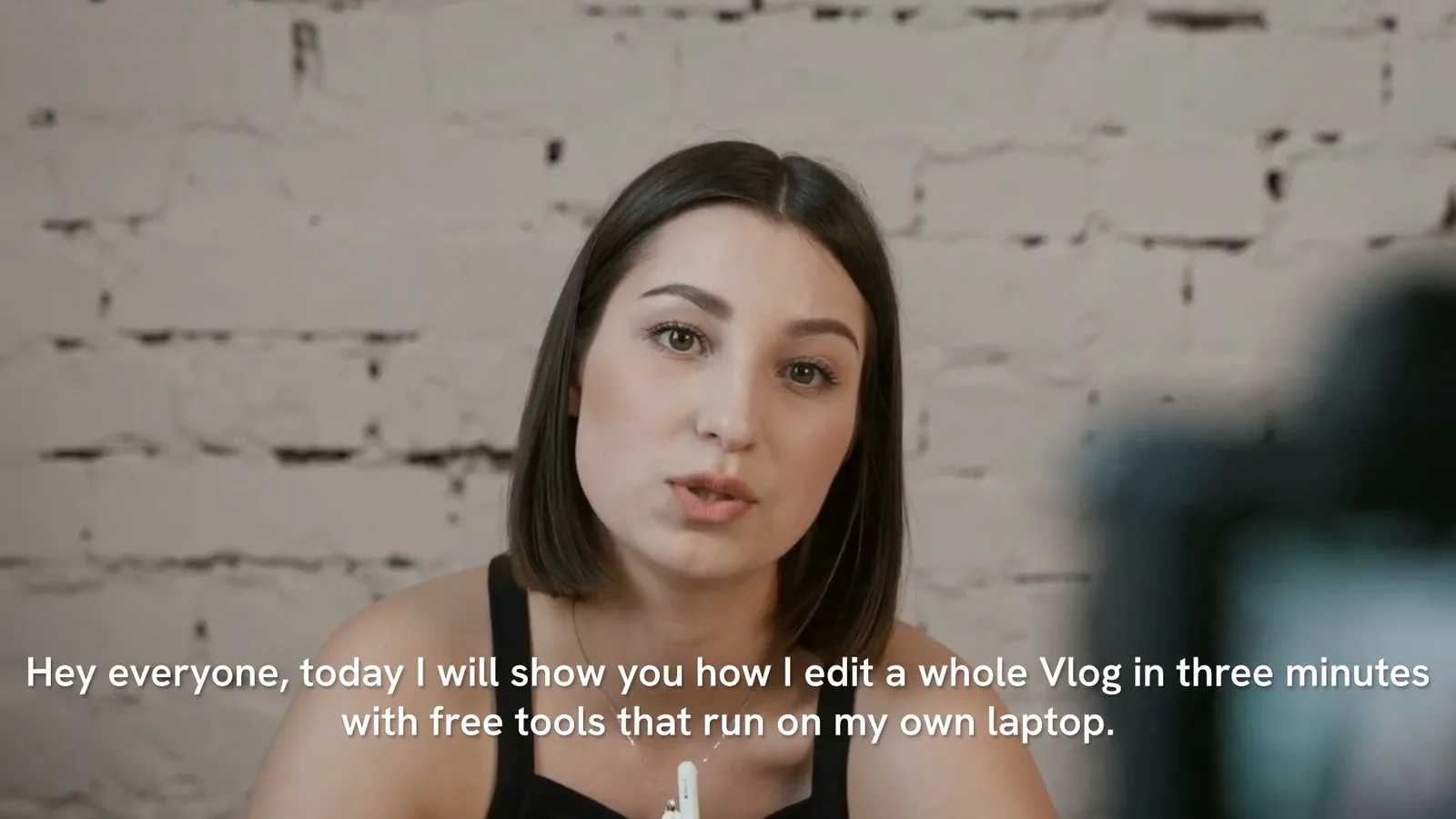
Concat makes auto captions with Whisper, the open-source speech recognition model, running through whisper.cpp on your own computer. You pick a model, point it at the voice on your timeline and it adds one caption title per spoken phrase, cut to the timing of the words. Nothing gets uploaded and the Concat app adds no watermark.
How do you add auto captions in the Concat video editor?
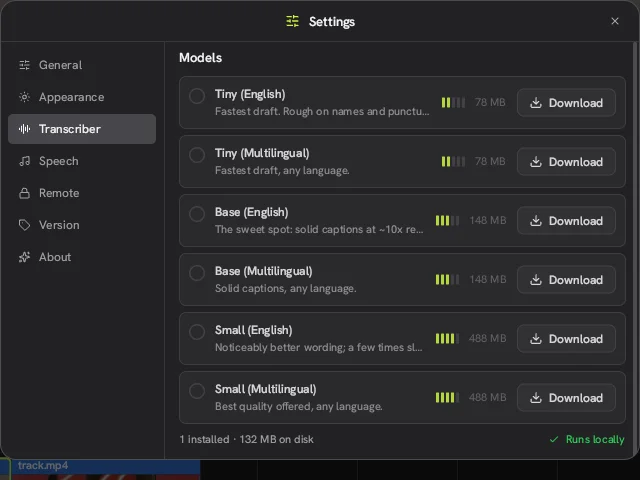
- Open Settings, go to Transcriber and download a model. For English speech, Base (English) is a good place to start.
- Put the clip with the voice on the timeline.
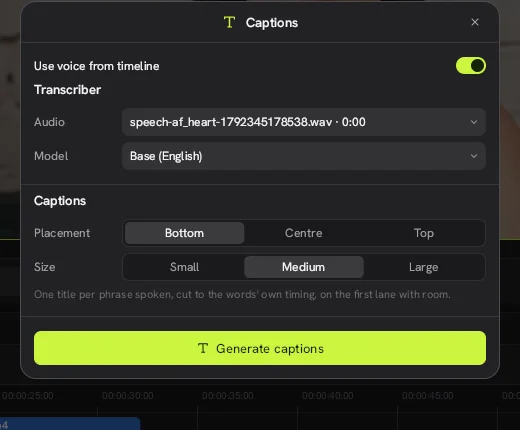
- Click the T button on the timeline toolbar to open Captions, then switch on Use voice from timeline.
- Check that the Audio field shows the right clip, then set Model to the one you downloaded.
- Choose a Placement (Bottom, Centre or Top) and a Size (Small, Medium or Large).
- Click Generate captions.
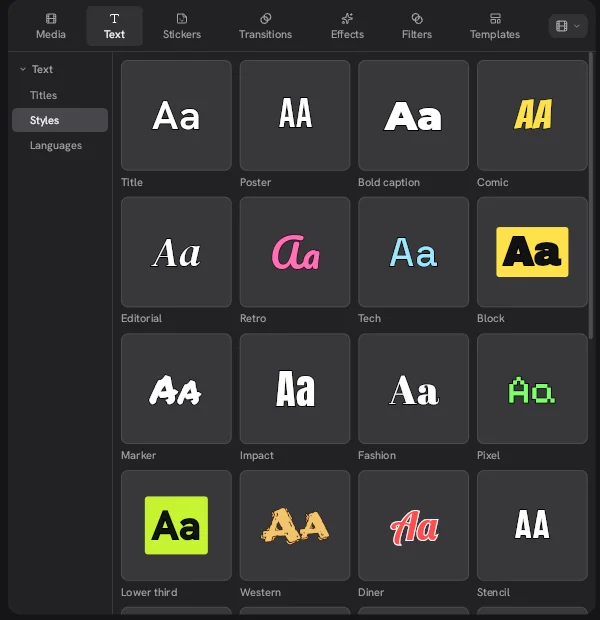
Each phrase lands as its own title clip on the first track lane with free space. If Whisper mishears a word, you fix it the same way you would edit any other title.
Which Whisper model should you download?
Start with Base unless your computer is slow or your audio is hard to make out. The Concat video editor offers three model sizes. Each one comes in an English version and a multilingual version.
| Model | Download size | Versions | Trade-off |
|---|---|---|---|
| Tiny | 78 MB | English, Multilingual | Fastest, rough on names and punctuation |
| Base | 148 MB | English, Multilingual | The middle ground most people want |
| Small | 488 MB | English, Multilingual | Better wording, noticeably slower |
The Transcriber page shows how many models you have installed and how much disk space they use. It also labels the whole list "Runs locally", so once a model is on disk you can caption without a connection.
How long does it take to add subtitles to a video?
Expect transcription to take a few times longer than the audio itself on a plain CPU. In our test of the Concat video editor 0.2.7 on Linux, Base (English) needed about 20 seconds to transcribe a 7 second voiceover. That machine used software rendering with no GPU help, so a newer laptop should do better. Tiny will also be faster if you can live with rougher text.
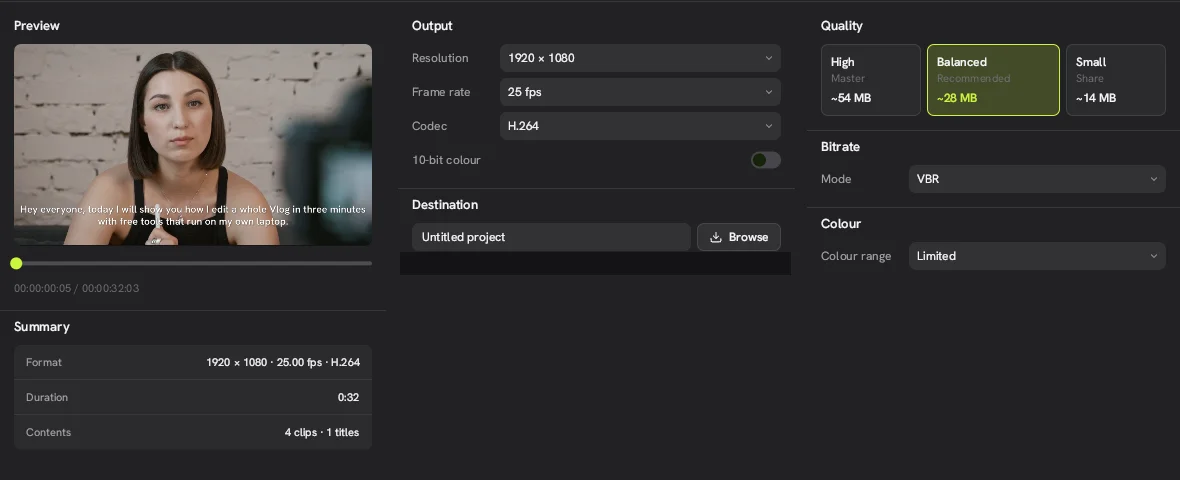
The finished 32 second 1080p project with captions then exported in about 40 seconds on the same machine.
How does this compare with CapCut captions?
The biggest difference is where the work happens. In Concat the speech never leaves your disk and there is no account, credit or plan involved. If you are weighing Concat against CapCut for short clips, keep in mind that free CapCut exports top out at 1080p and Pro assets can add a watermark. The Concat video editor has neither catch. You can also read the code yourself on the Concat GitHub page.
What are the limits?
- Speed depends on your hardware. At the rate we measured, a long recording will keep a plain CPU busy for a good while.
- Accuracy follows the model. Tiny gets names wrong often. Small writes better text but runs a few times slower.
- Only three sizes. Small is the largest model offered in 0.2.7.
- You need the download first. Plan for 78 MB to 488 MB per model.
- It is beta software. The Concat video editor is still marked beta, so read through the captions once before you export.
Watch it in Concat
We recorded this on Concat 0.2.7. Waiting time is sped up; every step is real.
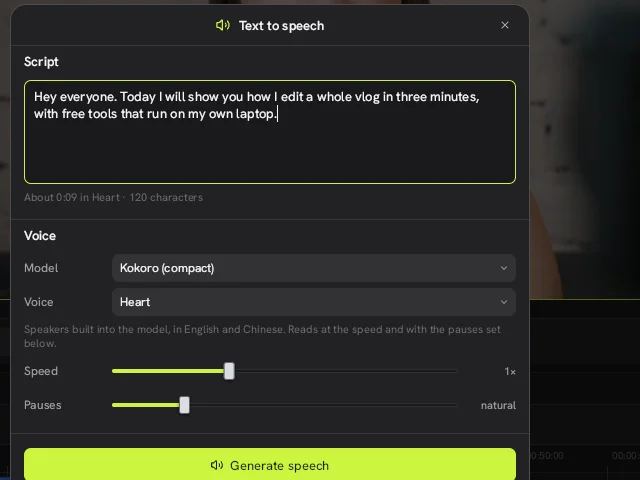
- Type a script and generate a voiceover
- Generate captions from that voice
- Click a caption to edit and restyle it