Concat video editor guides
Practical how-to guides and fixes for the Concat video editor, written from our own tests. Installing Concat for the first time? Start with the download page for your platform.
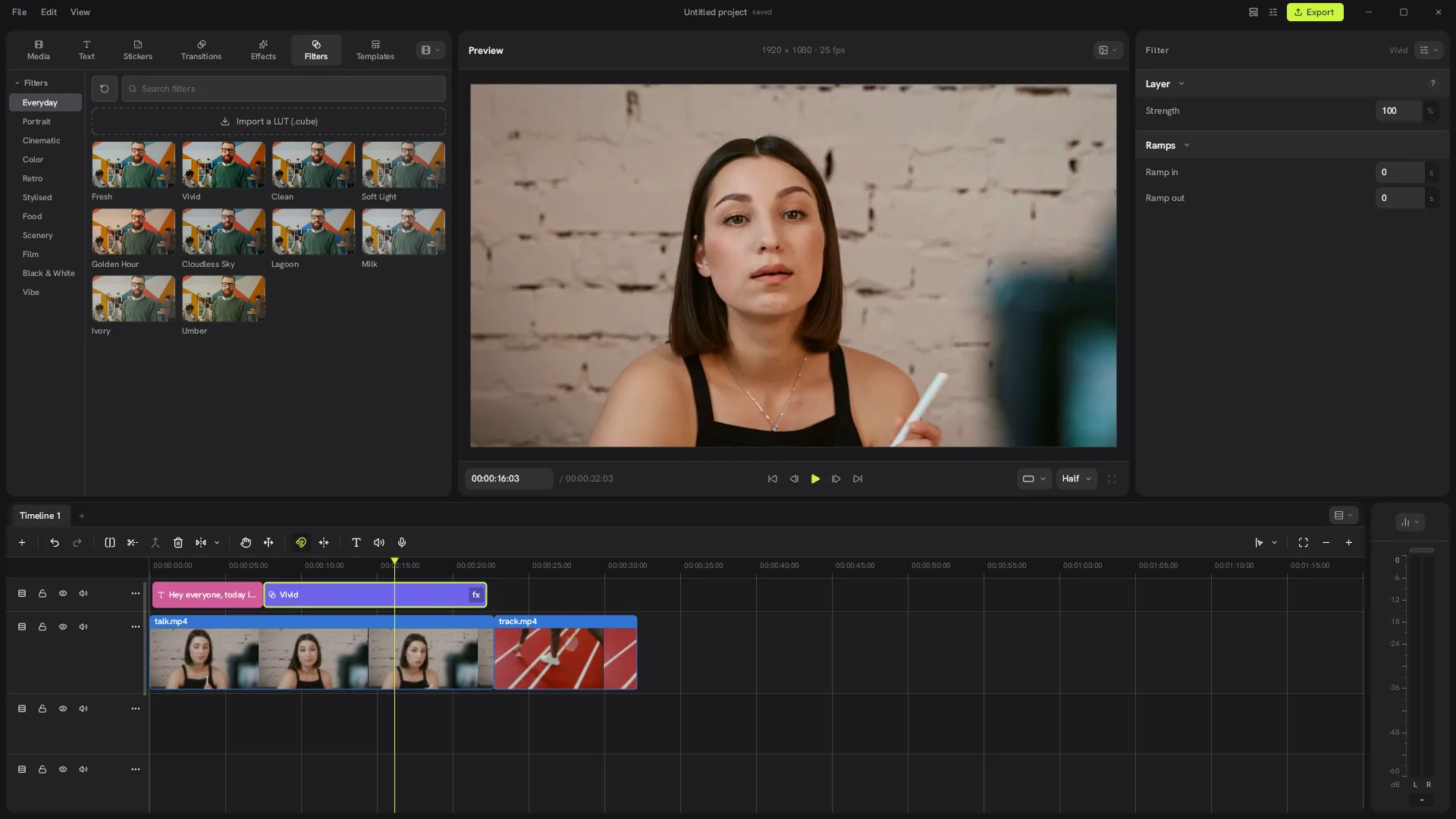
Can the Concat video editor run without a GPU?
We ran Concat 0.2.7 on a PC with no graphics card. What worked, how slow it was and real timings for export, captions and cutouts.
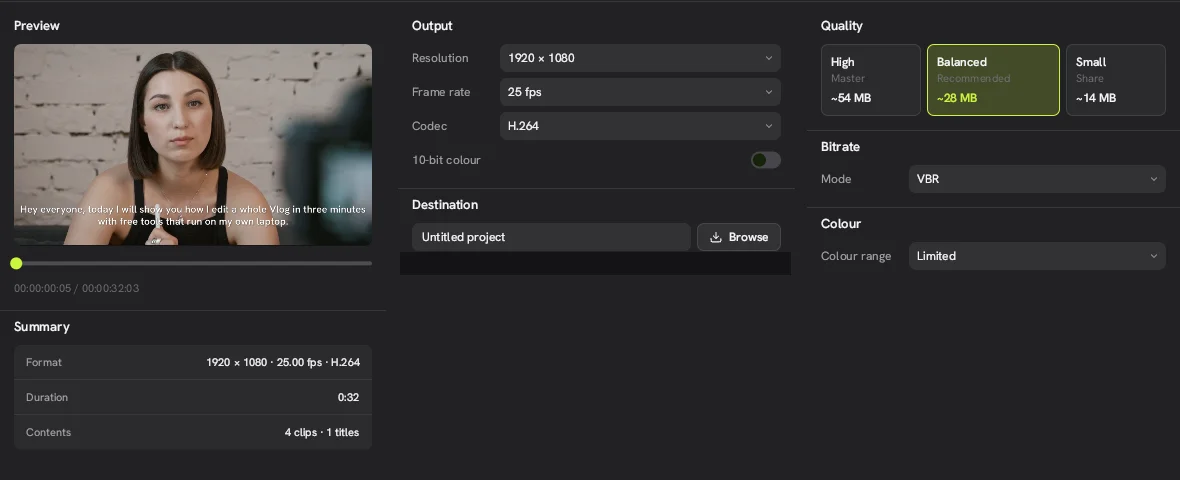
Concat export stuck or not starting: how to fix it
Fix a Concat export that never starts or stalls: an existing file with the same name, blur or glow on Windows, and slow software rendering.
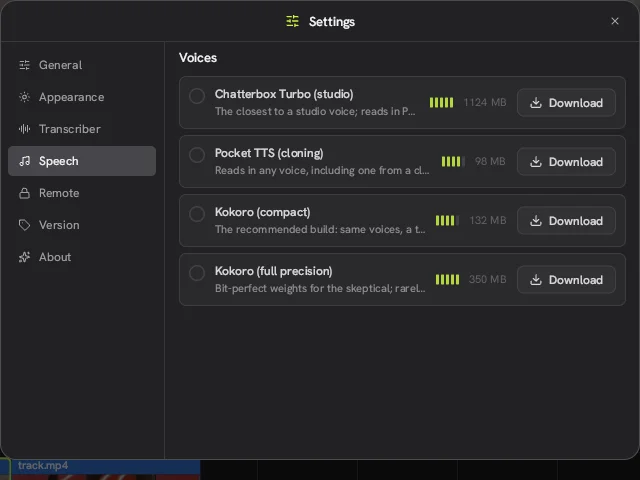
Concat text to speech not working: how to fix it
Fix Concat text to speech error that asks you to download Pocket TTS even with Kokoro installed. Tested fix for version 0.2.7.
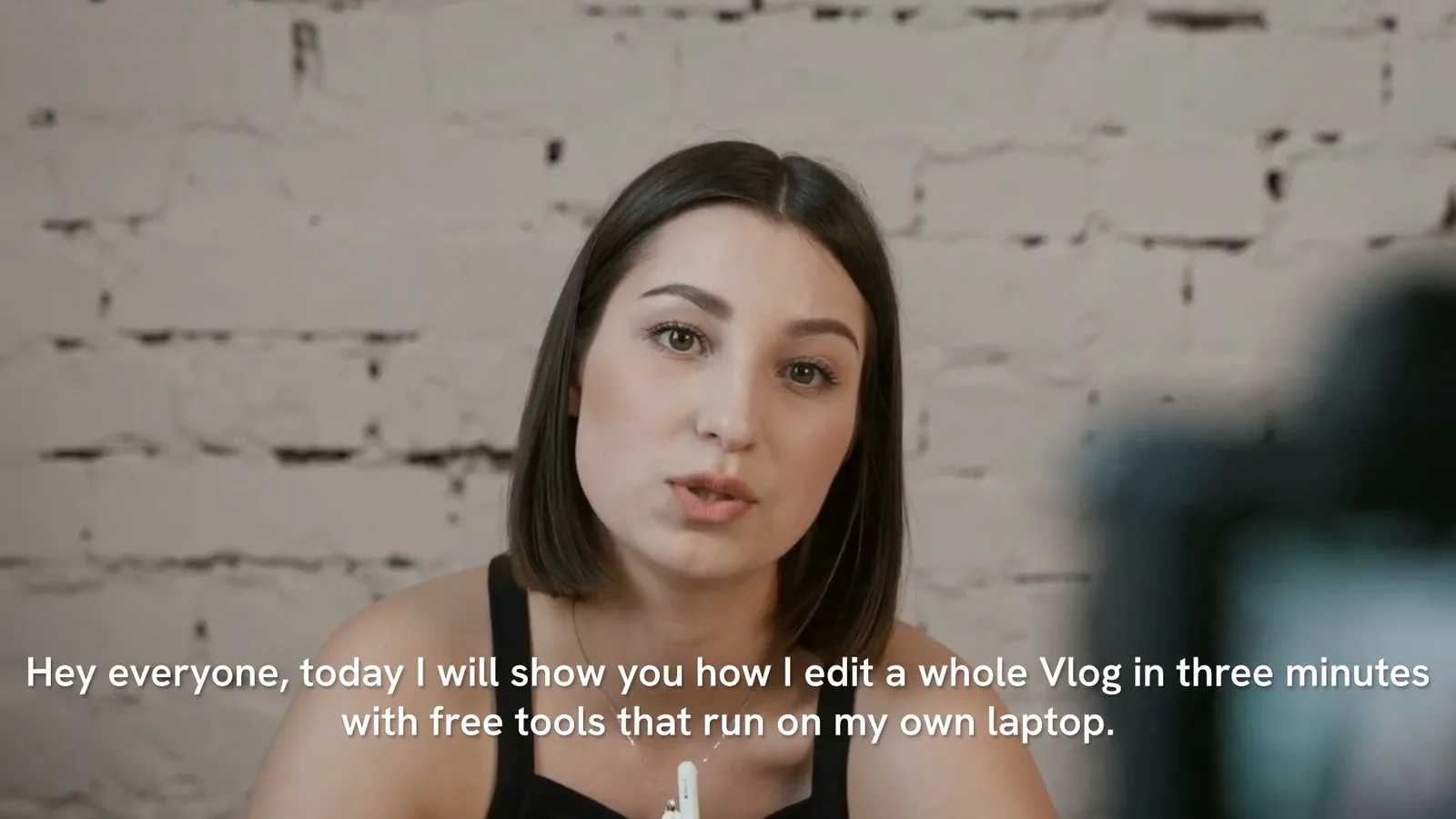
How to add subtitles to a video
Add free auto subtitles in Concat: pick a Whisper model, generate captions from the voice track and style them. Tested in 0.2.7.
How to make a TikTok video
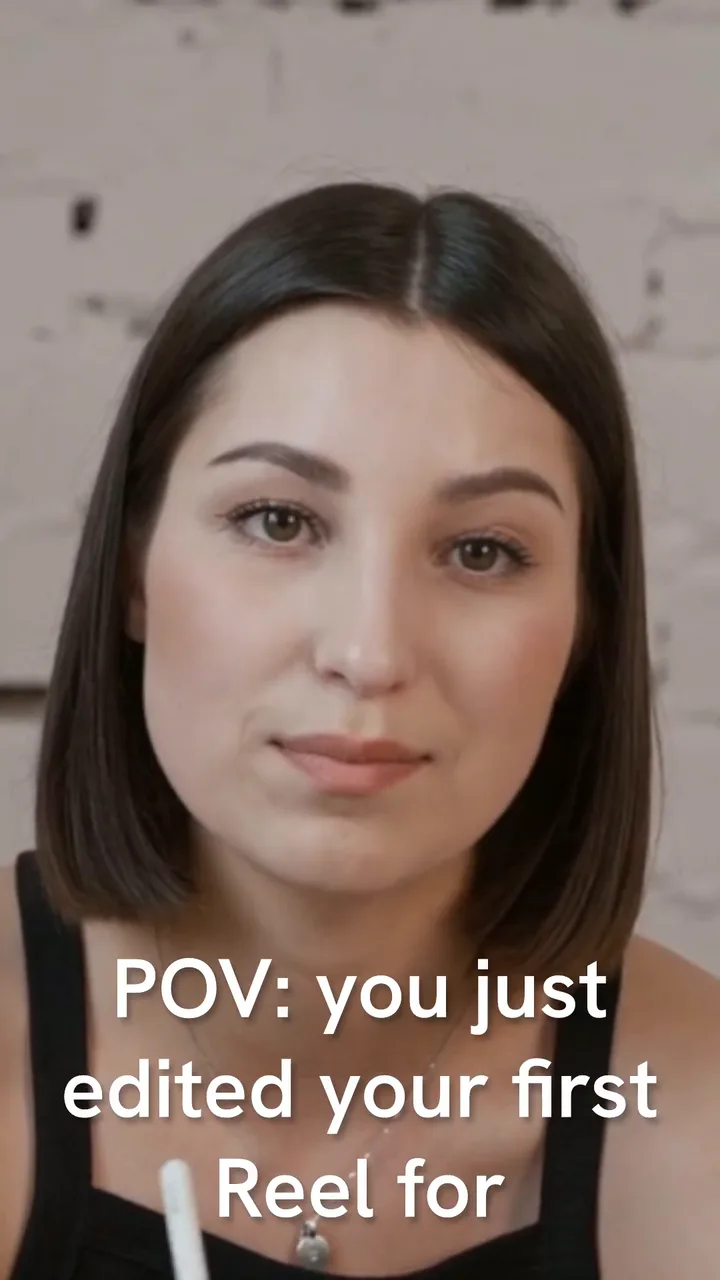
Make a vertical 9:16 TikTok, Reel or Short in the free Concat: create the project, fill the frame, add big captions and export. No watermark.

How to remove a video background
Remove the background from a video without a green screen in the free Concat. Steps, settings, a real before and after, and how long it takes.