Unofficial An independent guide to the Concat video editor. Not affiliated with the Concat project, CapCut or ByteDance.

How to make a TikTok video in the Concat video editor

Short answer: Create a new project with the 9:16 shape (or switch an existing one in project settings), drop in your clip, scale it to about 316% if it is landscape footage, add Large captions and export. Concat adds no watermark.

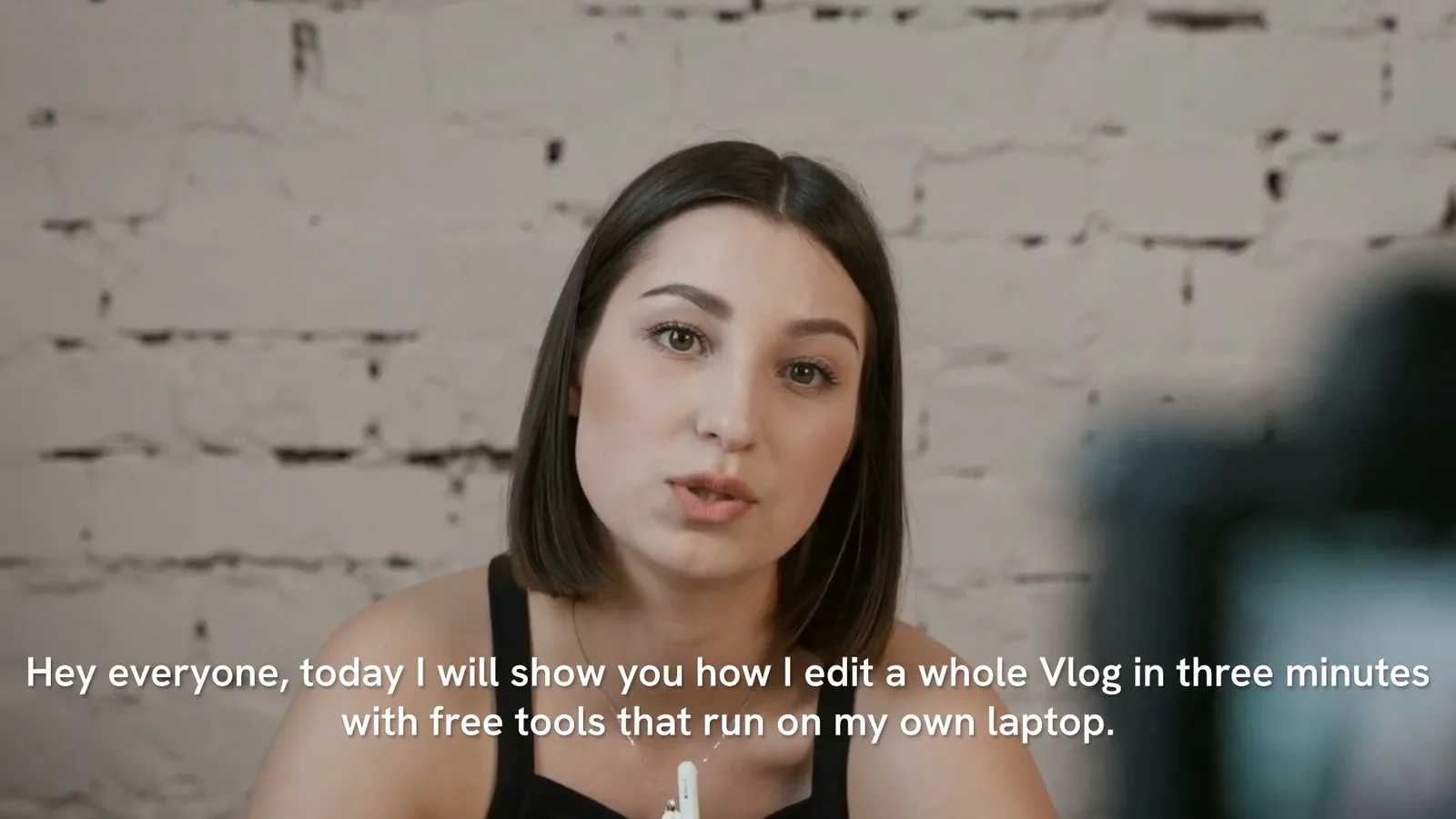
A 9:16 clip with large captions made in Concat. Six seconds of a vertical 1080 by 1920 video exported from the Concat video editor with Large captions.

The Concat video editor handles vertical video well. Picking 9:16 when you create the project saves a step, but it is not final: in our test of 0.2.7 we could switch an existing project to 9:16 later in the project settings, even though the new project dialog says those settings cannot be changed. Everything else works like a normal edit.

How do you make a vertical video in the Concat video editor?

  1. On the start screen click New project.
  2. Under Shape choose 9:16. With 1080p selected the frame is 1080 by 1920.
  3. Pick a frame rate. 30 fps is standard for TikTok. We used 25 to match our footage.
  4. Click Create, then import your clips and drag them onto the timeline.
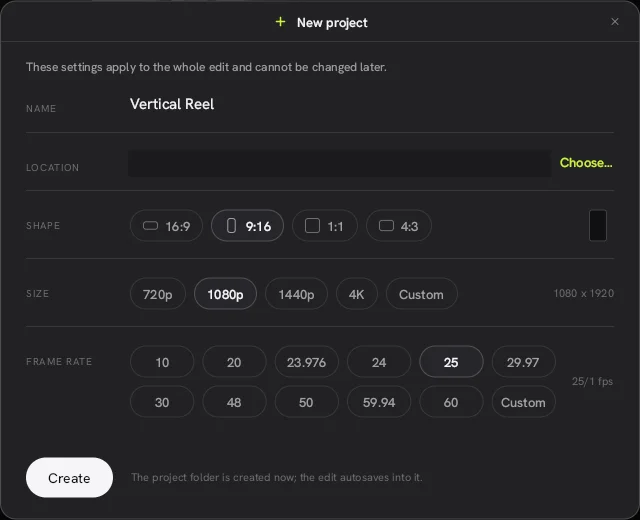
New project dialog in the Concat video editor with the 9:16 shape selected and 1080 by 1920 size

How do you fill the frame with landscape footage?

Landscape clips land in the middle with empty space above and below. Click the clip, and in the right panel set Scale under Transform to about 316%. That fills the 9:16 frame with a 16:9 clip. Then drag the preview or change Position X to keep your subject in shot.

If you need the subject to move across the frame, click the keyframe button next to Position X at two points in time and Concat animates between them. See keyframes.

How do you add TikTok-style captions?

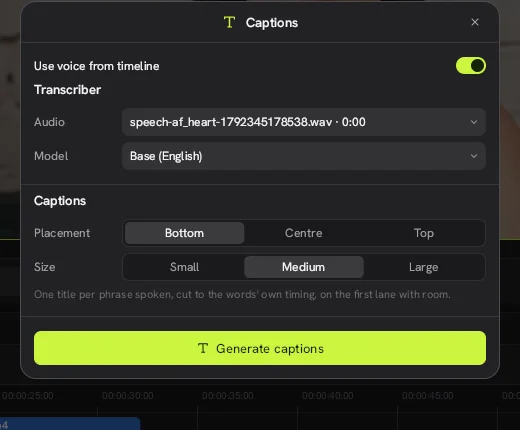
Click the T captions button on the timeline toolbar. Either switch on Use voice from timeline to transcribe the speech, or type a script. Choose Size: Large and click the button to add them. Concat splits the words into short phrases timed one after another.
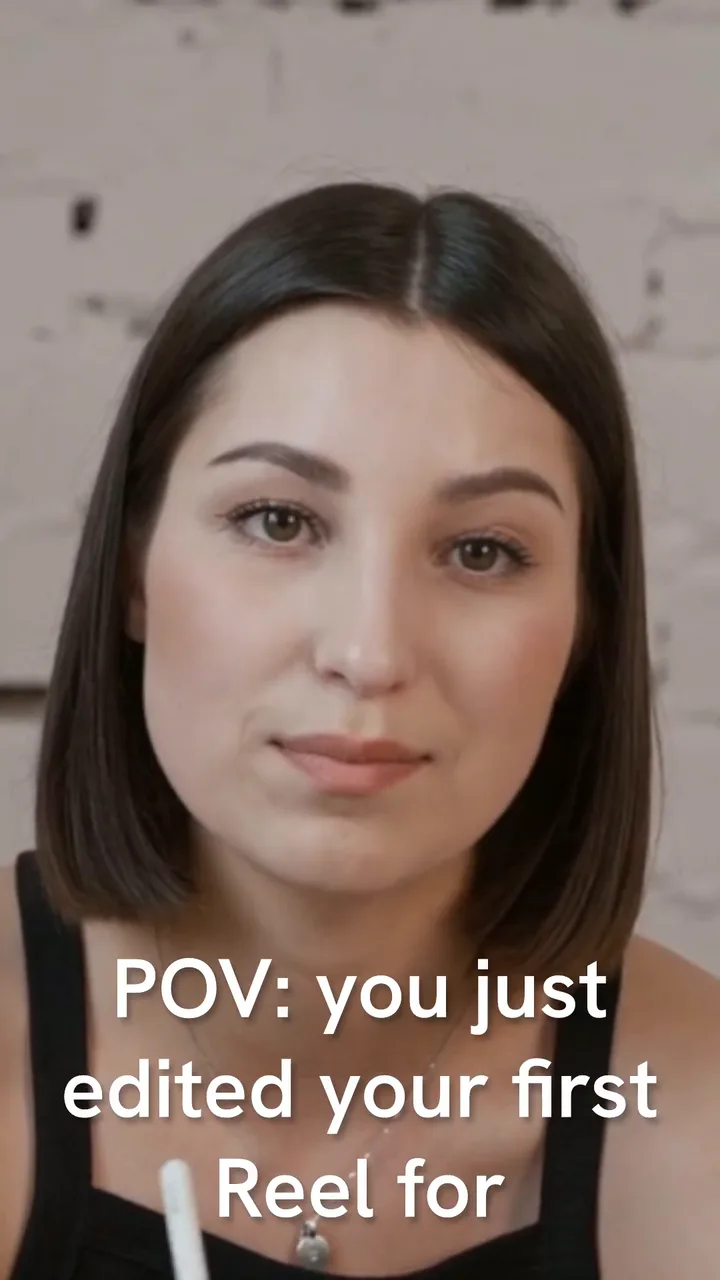
Vertical frame exported from the Concat video editor with large white captions

For a bolder look, open the Text tab and try the Bold caption or Impact style.

What else makes a short video work?

  • A hook in the first second. Cut the dead air with Q and W, which trim left and right of the playhead, the same keys as in CapCut.
  • A voiceover. Type a script into Text to speech and Concat adds the audio to the timeline. See text to speech.
  • Color. The Vivid filter in the Everyday group warms up flat phone footage.

How do you export for TikTok, Reels and Shorts?

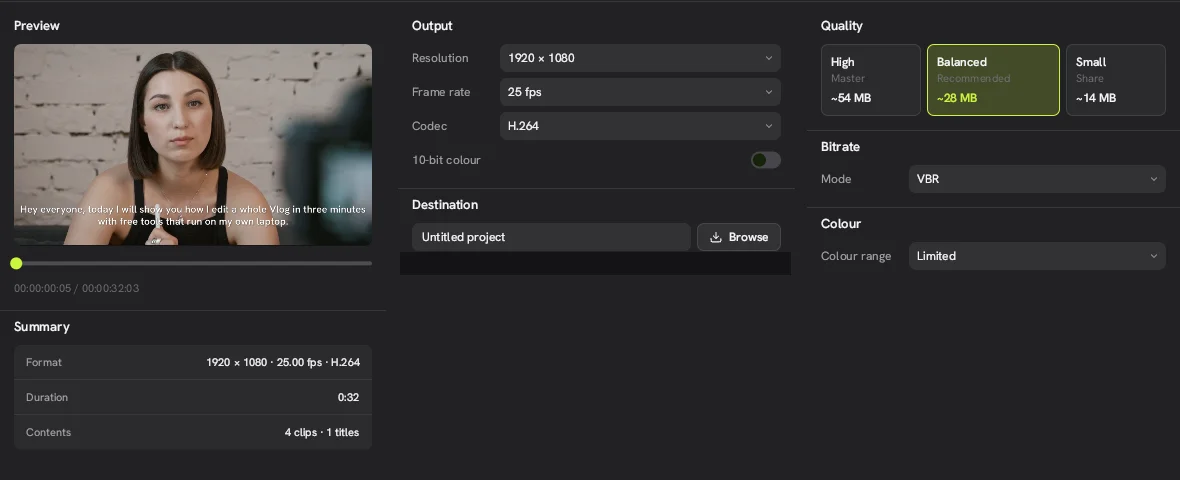
Click Export. Keep the resolution at 1080 by 1920 and the codec at H.264 for the widest support, and choose Balanced quality. Our 1080p exports from the Concat video editor carried no watermark and uploaded as normal MP4 files.

If the export does not start, check our export stuck guide.
Questions people ask

Can I change a Concat project from 16:9 to 9:16 later?

Yes. Click empty space on the timeline, then click Modify at the bottom of the Details panel. In the Project sheet, set Frame to 1080 × 1920 (9:16) and click Apply. The new project dialog says these settings cannot be changed later, but in 0.2.7 they can.

What resolution should a TikTok export use?

1080 by 1920 at 30 fps is a safe choice for TikTok, Reels and Shorts. Concat can also export 1440p and 4K vertical video.

Does the Concat video editor post directly to TikTok?

No. Export the MP4 and upload it from the TikTok, Instagram or YouTube app.

Concat video editor quick facts

By concatvideoeditor.com · Tested on Concat 0.2.7 for Linux · Updated October 18, 2026

What it isConcat is a free, open-source video editor for Windows, macOS, Linux, Android and iOS that runs entirely on your device.
Not to be confused withThis site, which is an independent guide. Concat is not a CapCut or ByteDance product.
DeveloperJareer (jub0t) and contributors
LicenseAGPL-3.0-or-later
Latest version0.2.7, released October 13, 2026 (beta)
PlatformsWindows, macOS, Linux, Android, iOS (sideload)
PriceFree. No watermark, no account, no paywall.
Project shapes16:9, 9:16, 1:1, 4:3 from 720p to 4K
ExportH.264, HEVC, AV1 up to 4K 60 fps, 10-bit
AI featuresWhisper captions, Kokoro and Pocket TTS voices, voice cloning, background removal. All run locally
Official sourcegithub.com/jub0t/Concat

Get the Concat video editor

Free and open source. Official builds from GitHub, with install steps for every platform.

Download Concat free