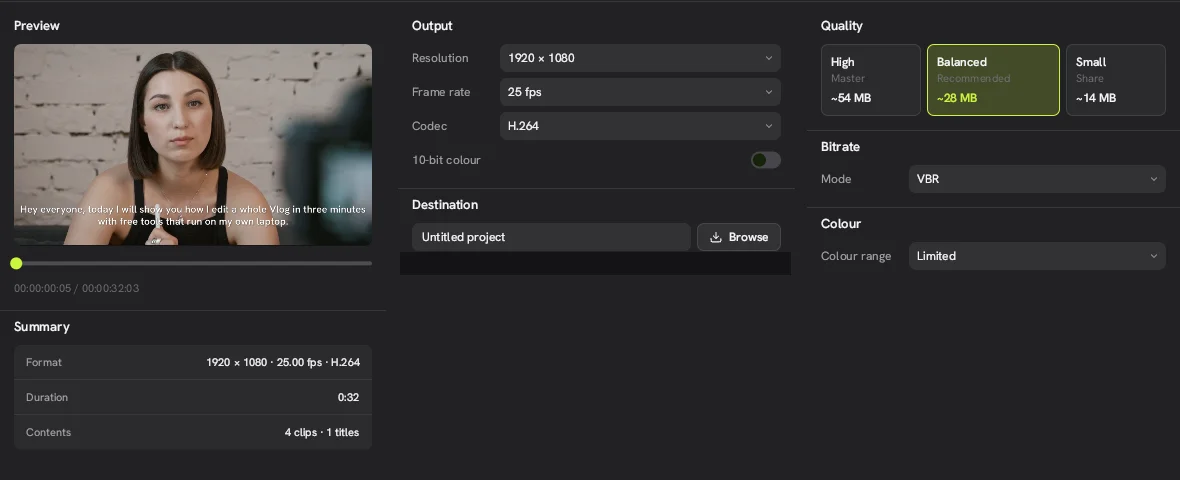
We installed the Concat video editor on a Linux server with no graphics card at all, to see whether it would even start. It did, and it did everything we asked, just slowly.
What was the test machine?
A Debian 13 container with 4 CPU cores, 12 GB of RAM and no GPU. Concat 0.2.7 ran from the official x86_64 AppImage on a virtual display. The log named the graphics adapter llvmpipe, which is Mesa's software rasterizer running on Vulkan. It also warned that the window would render slowly.
How fast was each task?
| Task | Time on our CPU-only machine |
|---|---|
| Start Concat and create a project | A few seconds |
| Download Whisper Base (148 MB) | About 2 seconds on our connection |
| Generate a 7-second voiceover (Kokoro) | About 10 seconds |
| Caption that voiceover (Whisper Base) | About 20 seconds |
| Export 32 seconds of 1080p, captions only | About 40 seconds |
| Export 32 seconds of 1080p with a filter layer | About 2 minutes |
| Background removal analysis, 22 seconds of 720p | About 6 minutes |
Your numbers will differ. These show the shape of it: AI audio tasks are quick on a CPU, video effects and cutouts are not.
What felt slow?
The interface. Dragging clips needed slow, deliberate mouse moves before Concat registered the drag, and the preview lagged when scrubbing. That is the software renderer, not Concat itself.
Who can get away without a GPU?
- People making short talking-head clips with captions and a voiceover.
- Old laptops where you mainly cut and trim.
If you plan to use background removal, many effects or 4K footage, use a machine with a working GPU. On Linux, install the proper Vulkan driver for your card.
How do you check which GPU Concat is using?
On Linux, start Concat from a terminal. The first lines of the log name the GPU adapter it picked. If it says llvmpipe, Concat is on software rendering and your graphics driver is missing or not loading.
See the Linux download page for install commands.